
01
How it works
Bulk Meta Publishing closes the gap between an approved creative batch and a live campaign. No exporting files, no re-uploading them one at a time, no copy-pasting between tabs. The workflow has 4 steps.
1Assemble the approved batch
Gather the statics and videos your team has signed off on. Each piece sits in one queue, approved and ready to publish.
2Deploy to your ad account
Push the whole batch from StefanBrain directly to Meta. One pass covers every ad, instead of one upload per creative.
3Performance flows back in
Once the campaign is live, performance data flows back into StefanBrain rather than sitting in a separate dashboard.
4The loop stays connected
Launches, results, and next tests stay connected in one operating loop. Every launch teaches the system more about your brand.
02
A batch launch, start to finish
Picture a media buyer at a DTC skincare brand on a Monday morning. The team approved 12 new ads on Friday: 8 statics and 4 videos, each built around a different hook or angle.
The old routine would eat the morning. Download every file, open Ads Manager, upload one creative at a time, paste in primary text and headlines, and double-check nothing got mismatched along the way.
With Bulk Meta Publishing, the buyer reviews the approved batch and deploys it to the brand's Meta account in one pass. Statics and videos go out together, so the whole test hits the account as one coordinated launch instead of a trickle.
Then the useful part starts. As the campaign runs, performance data flows back into StefanBrain. The buyer can see which of the 12 concepts is pulling ahead without leaving the system that made them. When it's time to build the next round in the Static Ad Generator, the results from this round are already sitting there.
03
The loop is the point
Publishing is not the end of the workflow. It's the middle of it. Performance data flows back in, the system learns your brand, and the next batch starts from what the last one proved.
That is the real difference from a standalone upload tool. Most stacks scatter strategy, creative, and results across separate products. StefanBrain connects strategy, creative, CRO, and publishing in one operating system, so nothing has to be re-explained between steps.
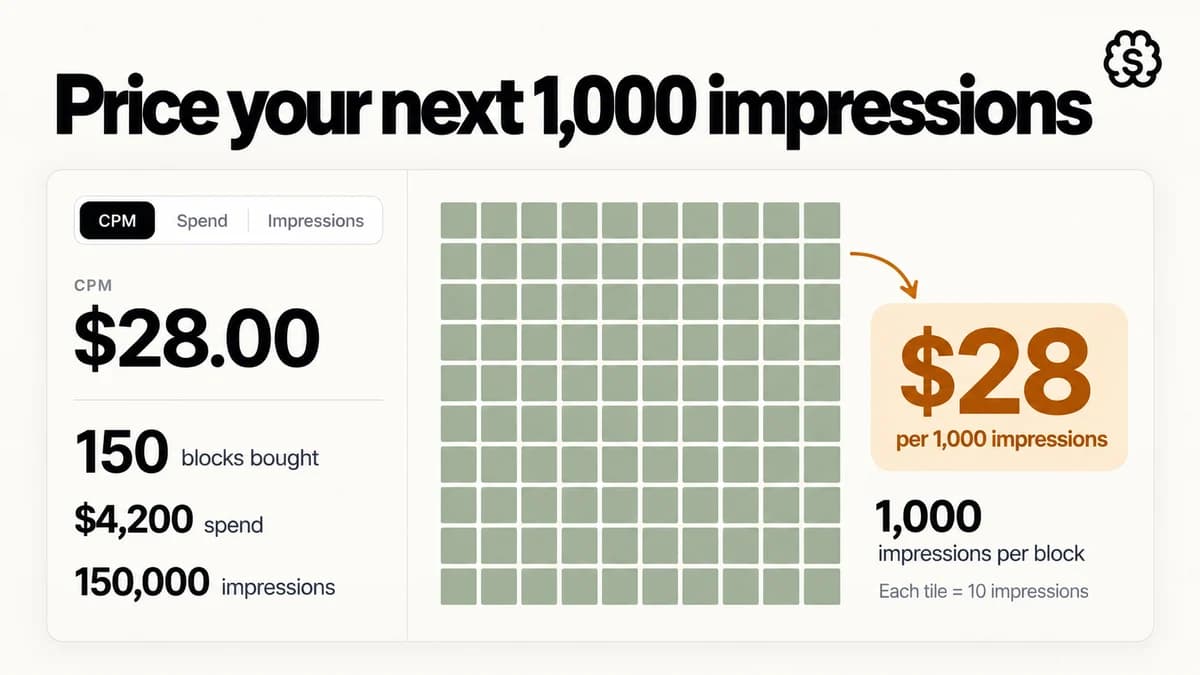
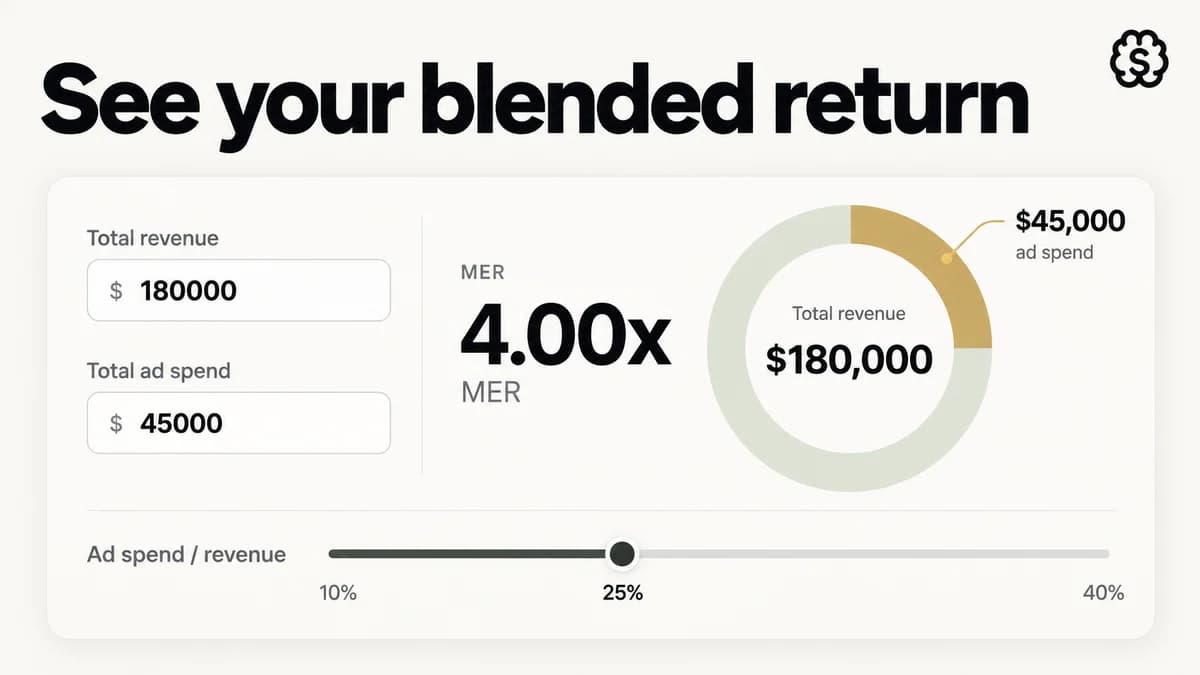
Two free tools bracket a launch nicely. Before you publish, size the spend with the ad budget calculator, working backwards from the revenue you want the test to support. After results settle, judge the blended outcome with the MER calculator: total revenue over total ad spend, the number attribution can't inflate.
04
Frequently asked questions
Does it publish straight to my Meta ad account?
Yes. StefanBrain deploys approved creative directly to your ad account. There is no export step and no manual re-upload between approval and launch.
What happens after the launch?
Performance data flows back into StefanBrain. Launches, results, and next tests stay connected in one operating loop, and the system keeps learning your brand from what actually ran.
Can I launch statics and videos together?
Yes. A batch can mix static images and videos, so a test built across both formats goes live as one coordinated launch rather than 2 separate uploads.
How should I budget a launch?
Work backwards from the revenue goal. The free ad budget calculator turns a target number into the ad spend required to reach it, before you commit a dollar.
Do I still need Ads Manager?
Your ad account stays yours, and you can open Ads Manager any time. Bulk Meta Publishing removes the upload busywork, not your access or control.